Meta Gyro Tilt
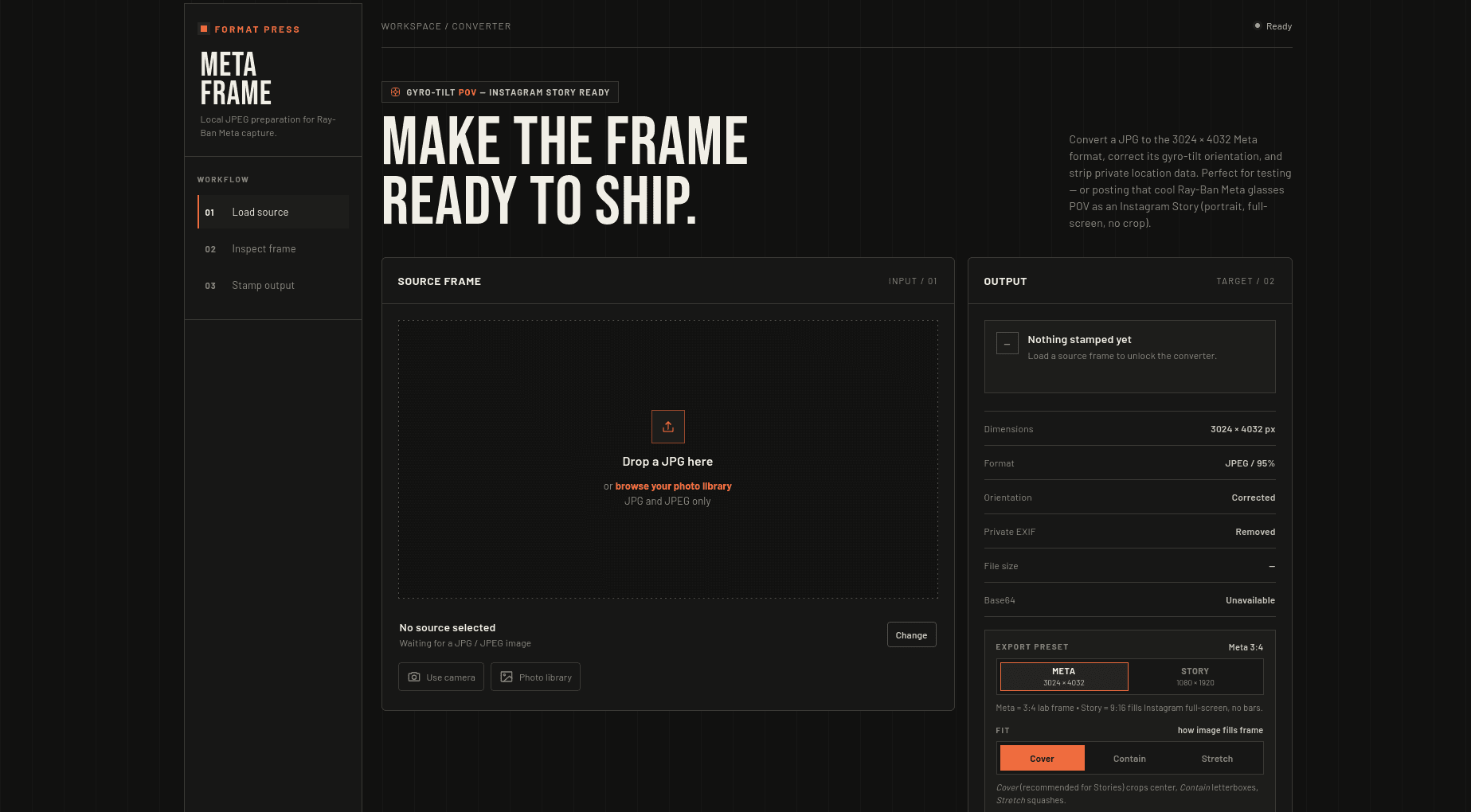
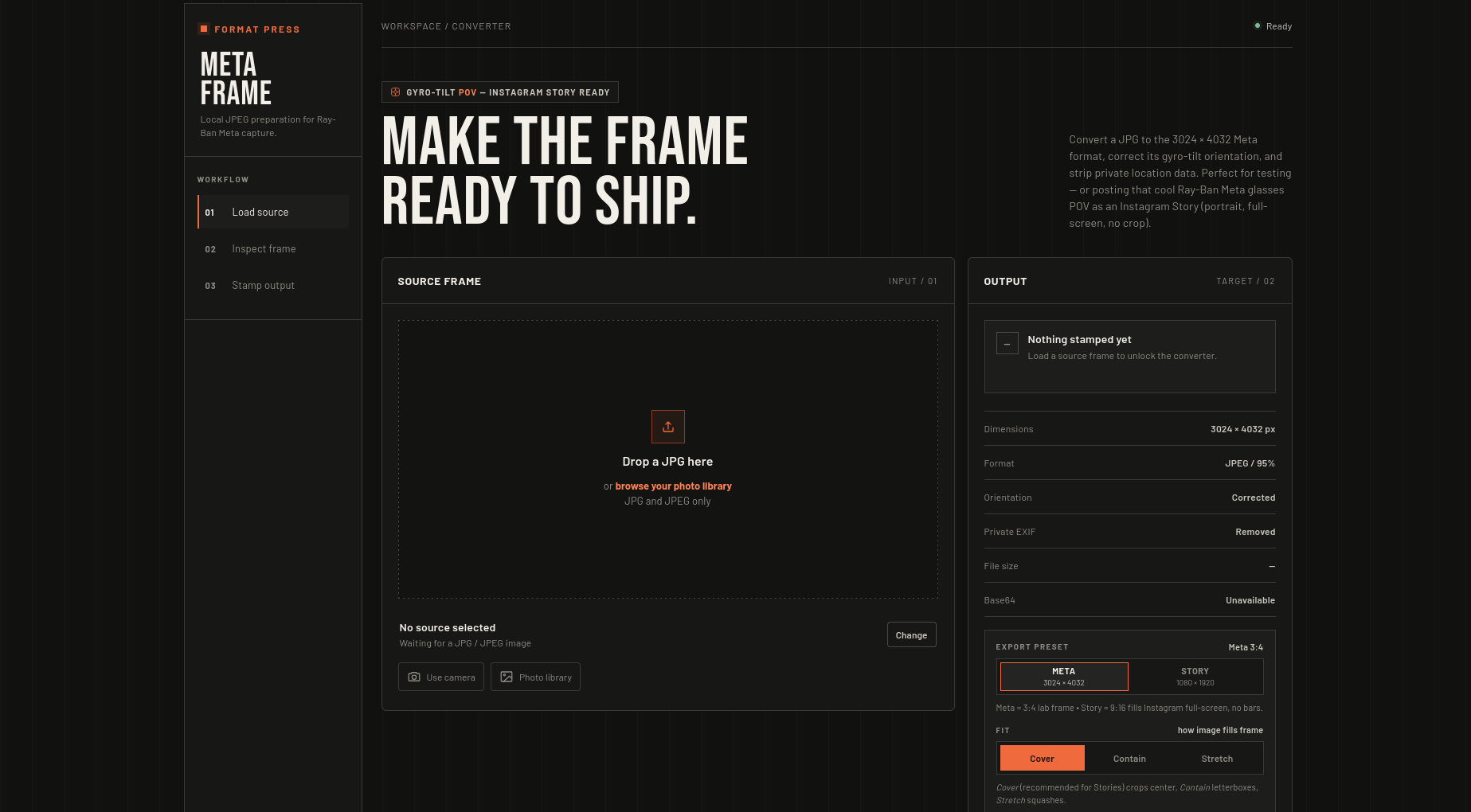
A 100% local, zero-backend image normalizer that turns any JPG into a 3024×4032 Ray-Ban Meta frame. Corrects gyro tilt via Canvas, strips private EXIF and stamps Meta tags without ever uploading.
Timeline
August 2026
Role
Creator & Developer
Status
CompletedTechnology Stack
Overview
Meta Gyro Tilt is a single-file, zero-backend Format Press that fakes a Ray-Ban Meta POV directly in the browser.
Drop any JPG, it corrects EXIF Orientation (1 to 8), applies an optional ±15° tilt, resizes to 3024×4032 (or 1080×1920 for Story), wipes GPS and private tags, stamps Make: Meta AI / Model: Ray-Ban Meta Smart Glasses 2 and exports a share-ready JPEG + pure Base64. No server, no upload.
Live at gyro.10akhil-t.workers.dev and open source at github.com/silky-x0/meta-gyro-tilt. For testing and education only, unofficial and not affiliated with Meta.
Key Capabilities
- Gyro Correction: Reads EXIF
Orientationwithpiexifjsand maps all 8 values toCanvas 2D setTransform(), then composes manual tilt withtranslate -> rotate -> translate. - Story-Ready Resize:
cover(center crop viaMath.max(dw/iw, dh/ih)),containandstretchmodes. Exports at 95% JPEG viacanvas.toBlobfor lower peak memory thantoDataURL. - Privacy First:
exif.GPS = {}and stripsSoftware / MakerNote / Lens*before export. Nofetchwith image bytes, images never cached. - Deterministic Output: Same input + same
fit/tilt/presetproduces same bytes andPixelXDimension / PixelYDimension, useful for QA pipelines that validateMake/Model. - Share to Story: Copies Base64 via
navigator.clipboardwithexecCommandfallback, and shares vianavigator.share({files})which surfaces Instagram -> Story on iOS/Android. Falls back toURL.createObjectURLdownload. - PWA Offline:
manifest.json(display: standalone) +sw.js(stale-while-revalidate for CDN only) makes it installable and usable offline after first load. SRI hash +onerrorfallback forpiexif.js.
How It Works
1. Input & Preview (The Loader)
Validates image/jpeg and .jpg/.jpeg extension, guards with a 15 MB limit, and previews via FileReader.readAsDataURL. Three entry points (fileInput, cameraInput with capture="environment", drag-and-drop + keyboard Enter/Space) all funnel to handleFile().
2. Correction & Stamping (The Darkroom)
// read orientation
const orientation = piexif.load(dataUrl)["0th"][piexif.ImageIFD.Orientation] || 1

// draw corrected - orientation first, then manual tilt
switch (orientation) {
  case 6: ctx.setTransform(0, 1, -1, 0, targetH, 0); break; // 90° CW
  case 3: ctx.setTransform(-1, 0, 0, -1, targetW, targetH); break; // 180°
  // ... 1,2,4,5,7,8
}
if (tiltDeg) {
  ctx.translate(canvas.width/2, canvas.height/2);
  ctx.rotate(tiltDeg * Math.PI / 180);
  ctx.translate(-canvas.width/2, -canvas.height/2);
}
const blob = await new Promise(r => canvas.toBlob(r, "image/jpeg", 0.95));

// rebuild EXIF - wipe private, stamp Meta
exif.GPS = {};
delete exif["0th"][piexif.ImageIFD.Software];
exif["0th"][piexif.ImageIFD.Make] = "Meta AI";
exif["0th"][piexif.ImageIFD.Model] = "Ray-Ban Meta Smart Glasses 2";
exif["0th"][piexif.ImageIFD.Orientation] = 1;
exif.Exif[piexif.ExifIFD.PixelXDimension] = 3024;
Stamped with piexif.dump() + piexif.insert() to produce both data:image/jpeg;base64,... and pure Base64.
3. Export & Share (The Shipper)
Filename adapts to preset (meta-glasses-3024x4032.jpg vs meta-story-1080x1920.jpg). Includes safe-area overlay (top/bottom 18%) so you can see where Instagram UI will cover the Story.
Local vs Server Mental Model
Server converters require uploading 8 MB JPGs and trusting a stranger's darkroom. This keeps everything in-memory: FileReader -> Canvas -> piexif. No queue, no leak, no bill. sw.js only caches the app shell and fonts, never images.
Trade-Offs
- JPEG only by design, PNG/WebP renamed to
.jpgfails atpiexif.load - Single image at a time,
15 MBcap due to 2x memory fortoBlob + Base64 ICC/XMPprofiles dropped on re-encode, fine for Stories not printcoveris center-only, no drag or face-aware crop, tilt can clip corners at±15°- First load needs CDN (
cdnjs+ Google Fonts), mitigated with SRI and fallback
What I Learned
EXIF is not metadata trivia, it is the image. Canvas is a state machine where setTransform order matters. toBlob beats toDataURL for 12 MP photos. And exif.GPS = {} is a one-liner that actually protects privacy.
Read the full build breakdown on the blog: /blog/meta-gyro and try it at gyro.10akhil-t.workers.dev.